
Polk Speakers How To Connect

Connecting Polk speakers properly ensures an optimal audio experience, whether for home theater, music, or gaming. With various models offering different connectivity options—including Bluetooth, Wi-Fi, HDMI, and traditional wired setups—understanding the correct method is essential.
This guide walks you through step-by-step instructions for connecting Polk speakers to different devices such as receivers, TVs, smartphones, and streaming systems. You'll learn about input selections, pairing modes, cable types, and troubleshooting common connection issues.
Proper setup enhances sound clarity, balance, and room-filling acoustics. Regardless of your technical level, this article simplifies the process to get your Polk speakers performing at their best quickly and efficiently.
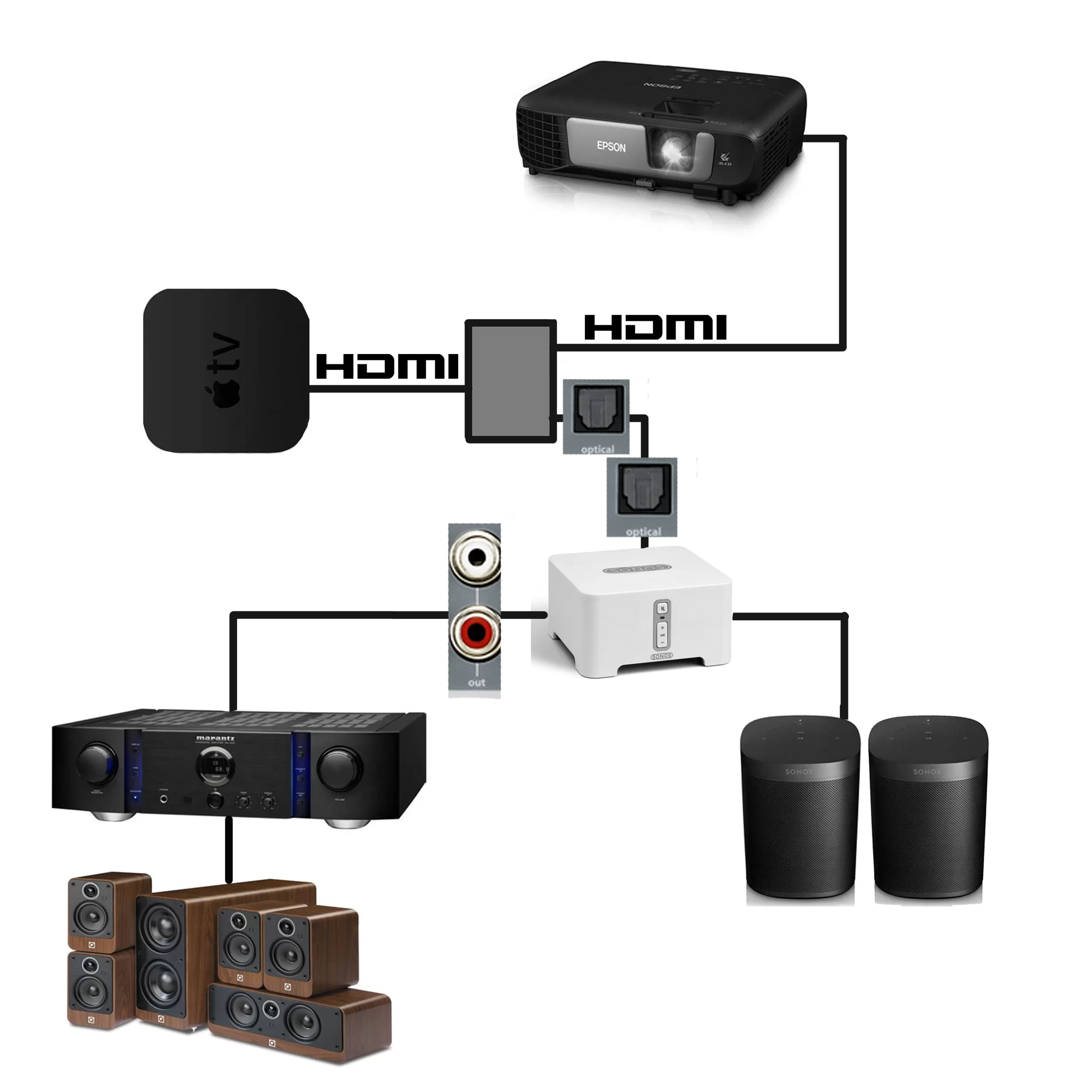 How To Connect In Ceiling Speakers To TV
How to Connect Polk Speakers: A Step-by-Step Guide
Connecting your Polk speakers properly ensures optimal sound performance and a seamless audio experience. Whether you're setting up a home theater system, a stereo pair, or adding speakers to a multi-room audio setup, understanding the correct way to connect your Polk speakers is essential.
These speakers can be connected using various methods depending on the model and your audio source, including wired connections to AV receivers or amplifiers, and newer models that support Bluetooth or Wi-Fi connectivity. This guide will walk you through the most common connection types, ensuring you get the best possible sound from your Polk audio equipment.
Connecting Polk Speakers via Wired Audio Setup
For traditional home theater or stereo setups, most Polk speakers require a wired connection to an AV receiver or amplifier. Begin by identifying the positive (+) and negative (–) terminals on both the speaker and the receiver—matching these correctly ensures proper phasing and balanced sound.
Use high-quality speaker wire, strip about 1/2 inch of insulation from each end, and securely connect them to the corresponding terminals. Polk often includes color-coded tabs (red for positive, black for negative) to simplify this process.
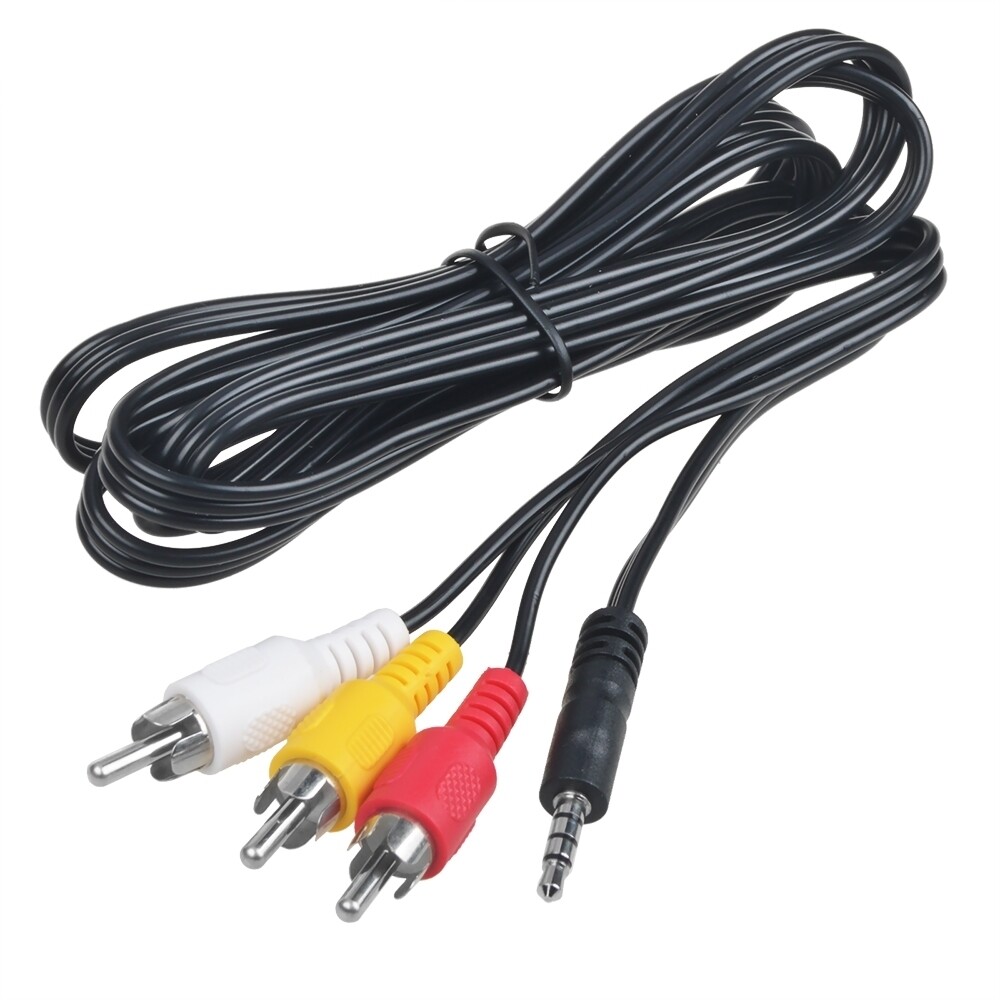 How To Connect JBL Speakers To TV
Models such as the Polk Audio T Series and Reserve Series are commonly used in wired configurations with receivers using banana plugs, spade connectors, or bare wire. After connecting all speakers, power on your system and calibrate using the receiver’s auto-setup feature or manually adjust settings for room acoustics.
| Connection Type | Best For | Recommended Equipment |
|---|---|---|
| Speaker Wire (Bare/Plug-In) | Surround sound, stereo pairs | AV Receiver, Banana Plugs |
| Optical/Coaxial Digital | Soundbars, rear wireless kits | Polk MagniFi, DTS Play-Fi |
| Bluetooth & Wi-Fi | Streaming, smart home setups | Polk Omnia, Command Bar |
Using Bluetooth to Connect Polk Wireless Speakers
Many modern Polk wireless speakers, such as the Polk Omnia or Command Bar soundbar, support Bluetooth pairing for direct connection from smartphones, tablets, or laptops.
To connect, first place the speaker in pairing mode—this is typically done by pressing and holding the Bluetooth button until the indicator flashes. Then, go to your device’s Bluetooth settings, scan for available devices, and select your Polk speaker from the list.
Once paired, audio will stream directly with minimal latency and high-quality SBC or AAC codec support. For best performance, keep the source device within 30 feet and free of obstructions. Some Polk models also support multipoint pairing, allowing you to switch between two devices seamlessly without re-pairing.
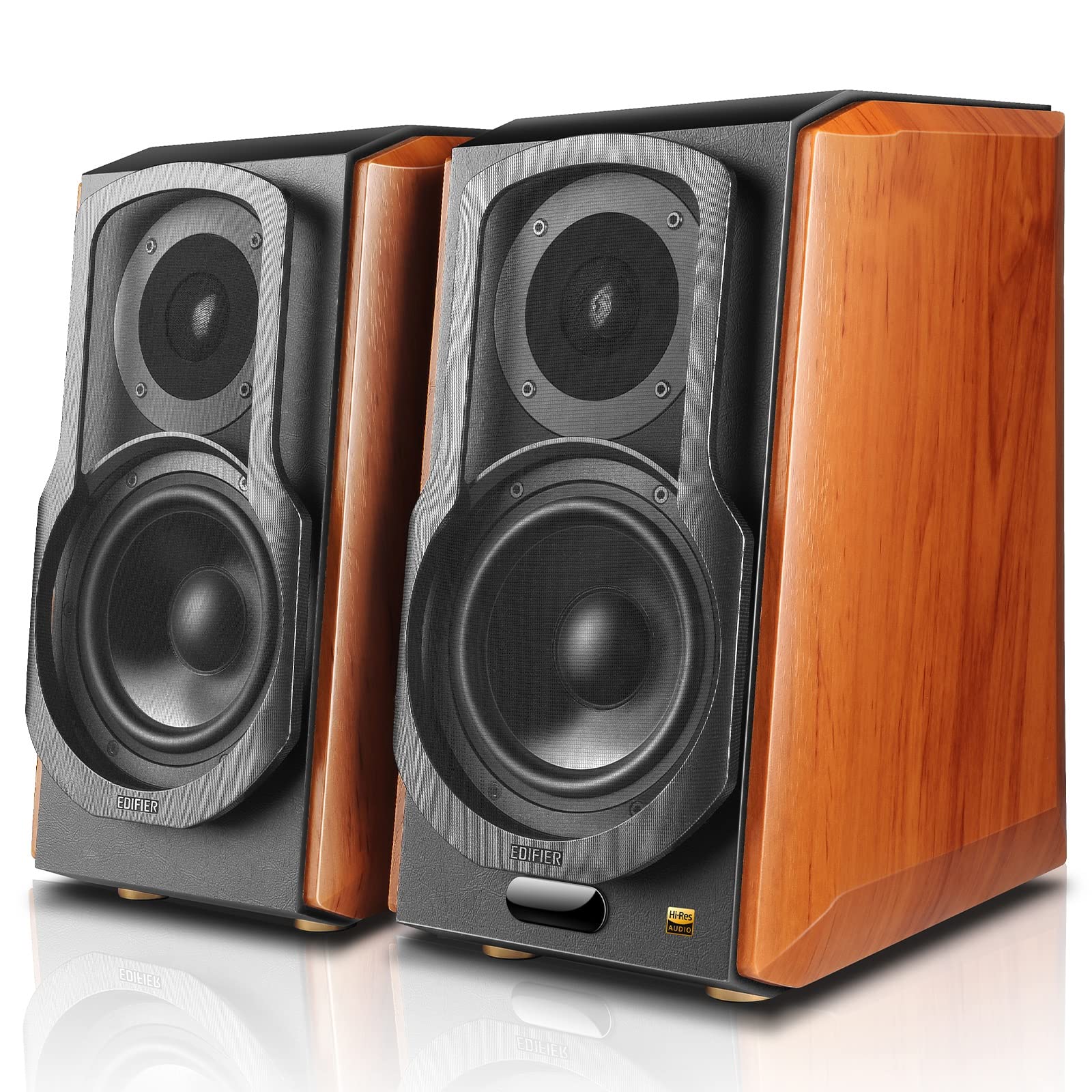 How To Connect Multiple Speakers On Spotify
Setting Up Polk Speakers with Wi-Fi and Smart Home Systems
High-end Polk models like the Reserve BT series or Polk Audio Bar 900 integrate with Wi-Fi and voice-assisted platforms such as Amazon Alexa and Google Assistant. These speakers connect to your home network via the Polk Connect app or compatible smart home apps like Alexa. After downloading the app, follow the on-screen prompts to power the speaker, connect it to Wi-Fi, and register it to your account.
Once online, you can stream music from services like Spotify, Amazon Music, or Apple AirPlay 2 (on supported models), and even group multiple Polk speakers for whole-home audio. This setup provides more stable and higher-fidelity streaming than Bluetooth and allows for voice control and remote access.
How to Connect Polk Speakers: A Step-by-Step Guide
How to Connect Polk Audio Speakers: A Step-by-Step Guide

Choosing the Right Audio Source and Cables
To properly connect Polk Audio speakers, the first step is selecting an appropriate audio source, such as a stereo receiver, AV receiver, turntable, or powered amplifier. The type of connection depends on both the speaker model and the output options on your audio device.
 How To Connect Multiple Speakers To Bluetooth
Most Polk passive speakers use traditional speaker wire connections, while powered or wireless models may require RCA, optical, or Bluetooth pairing. It’s essential to match the impedance (measured in ohms) of the speakers with your amplifier or receiver to avoid damage and ensure optimal sound quality. Always check the input/output specifications on both the speakers and the audio source before proceeding.
- Determine if your Polk speakers are passive or powered, as this affects the type of amplifier or source needed.
- Match the speaker's impedance (usually 4–8 ohms) with the compatible range supported by your amplifier or receiver.
- Gather the correct cables—typically stranded copper speaker wire for passive models or RCA/optical cables for powered variants.
Wiring Passive Polk Speakers to a Receiver
Passive Polk Audio speakers require an external amplifier or AV receiver to generate sound. Begin by turning off all equipment before making connections to prevent electrical damage. Strip approximately half an inch of insulation from each end of the speaker wire, exposing the copper strands.
Connect one end to the speaker terminals—typically labeled positive (+) in red and negative (-) in black—by pressing the terminal button and inserting the corresponding wire. On the receiver end, match the speaker wires to the labeled outputs (Front Left, Front Right, etc.), ensuring polarity is consistent. Improper polarity can result in phase issues and weak bass response.
- Power off your receiver and speakers to avoid short circuits during installation.
- Strip the speaker wire ends and attach them to the corresponding color-coded terminals on the back of the Polk speaker.
- Connect the other end of the wire to the matching speaker output terminals on the receiver, maintaining correct polarity.
Setting Up Wireless and Powered Polk Speakers
For wireless or powered Polk Audio models like the Polk Reserve or MagniFi soundbars, the setup process differs from traditional passive speakers. These units often feature built-in amplification and connectivity options such as Bluetooth, Wi-Fi, HDMI ARC, or optical inputs.
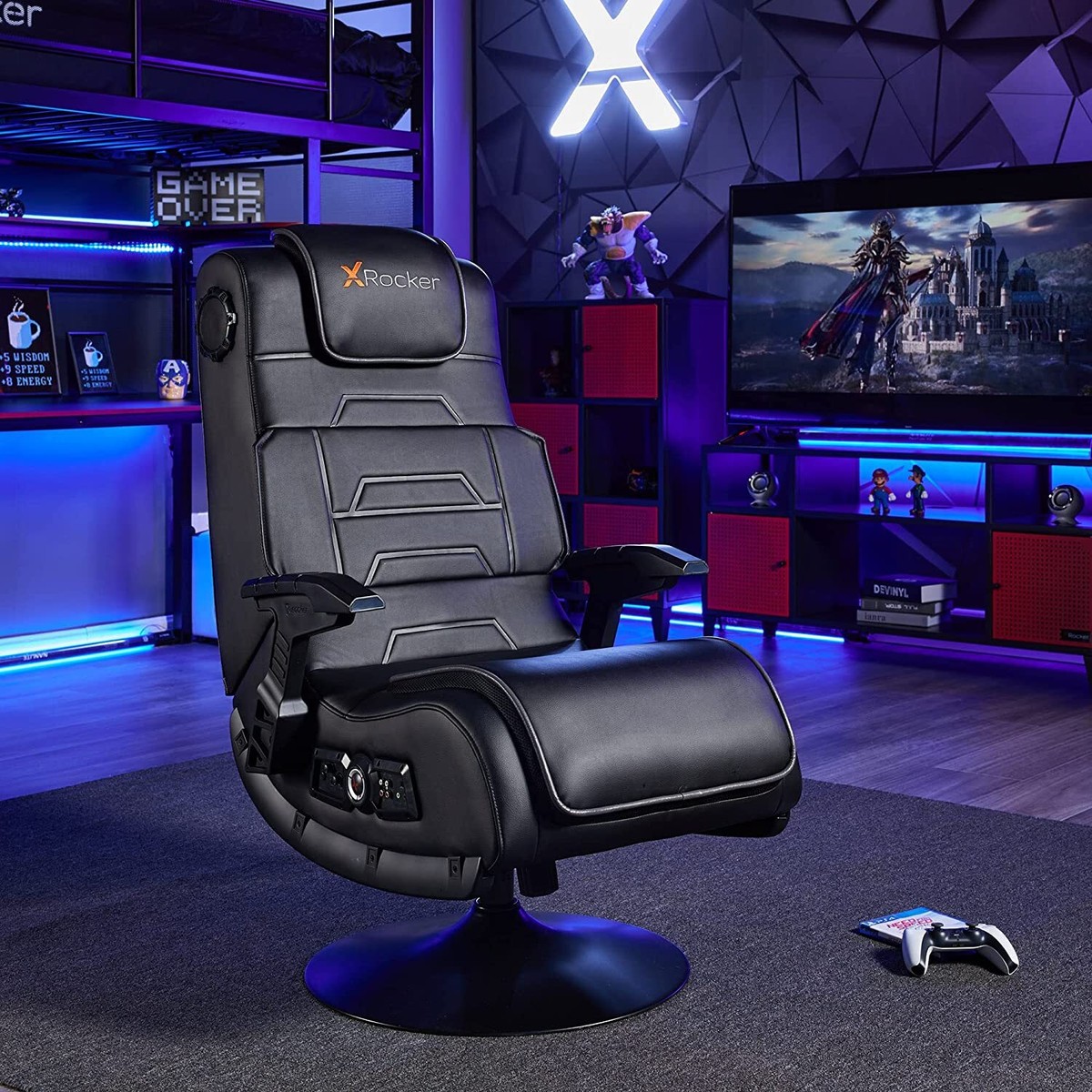 Rocker Gaming Chair With Speakers How To Connect
Start by plugging the speaker into a power outlet and powering it on. Use an optical cable or HDMI ARC to link the speaker to your TV if a wired connection is preferred. For Bluetooth pairing, place the speaker in pairing mode (usually by pressing and holding a dedicated button), then go to your source device’s Bluetooth settings and select the speaker from the available list.
- Connect the powered Polk speaker to a power source and turn it on using the power button or remote.
- Use HDMI ARC or optical cable to establish a stable audio connection with your television, ensuring audio formats are supported.
- Enable Bluetooth pairing on the speaker and connect it to your smartphone, tablet, or laptop by selecting it from the Bluetooth menu.
Can Polk speakers connect via Bluetooth?

Yes, many Polk speakers can connect via Bluetooth, depending on the model. Polk Audio has incorporated Bluetooth technology into a variety of their speaker systems, including portable speakers, soundbars, and home audio systems. This wireless connectivity allows users to stream music, podcasts, and other audio content directly from smartphones, tablets, laptops, and other Bluetooth-enabled devices.
However, not all Polk speakers support Bluetooth, particularly older models or those designed specifically for wired connections. Therefore, it's important to verify the specifications of a particular Polk speaker model to determine if Bluetooth functionality is included.
 Recoton Wireless Speakers How To Connect
Which Polk Speaker Models Support Bluetooth?
- Many modern Polk speaker models come with built-in Bluetooth, such as the Polk Command Bar, Polk MagniFi Max AX, and the Polk Signa S4. These are primarily soundbars and home theater systems designed for seamless wireless integration with mobile devices and TVs.
- Portable models like the Polk Omni S1 and Polk Omni S2 are also Bluetooth-compatible, allowing users to stream audio wirelessly for indoor or outdoor use. They often support multi-room features through a companion app while maintaining Bluetooth pairing options.
- Older models such as certain Polk RT series bookshelf speakers typically do not include Bluetooth unless paired with an external Bluetooth amplifier or adapter. Always check the technical specifications or user manual for definitive connectivity details.
How to Pair a Polk Speaker with Bluetooth
- To pair a Polk speaker via Bluetooth, first ensure the speaker is powered on and set to Bluetooth mode, usually by pressing a dedicated button or navigating through its menu if it has a display.
- On your smartphone, tablet, or computer, go to the Bluetooth settings and activate the discoverable mode. The device will scan for nearby Bluetooth accessories.
- Locate the Polk speaker’s name in the list of available devices (for example, “Polk MagniFi” or “Polk Omni S1”), select it, and complete the pairing process. Once connected, audio will stream wirelessly from the device to the speaker.
Troubleshooting Bluetooth Connection Issues with Polk Speakers
- If a Polk speaker fails to connect via Bluetooth, start by ensuring the speaker is in pairing mode—many models require you to hold the Bluetooth button for a few seconds until an indicator light blinks.
- Check if the speaker is already paired with another device. Some Polk speakers only maintain one active Bluetooth connection at a time, so disconnect or forget the device from any previously linked sources.
- Resetting the Bluetooth settings on both the Polk speaker and the source device can resolve persistent connection problems. Additionally, ensuring both devices have sufficient battery power and are within a 30-foot range helps maintain a stable wireless connection.
Frequently Asked Questions
How do I connect Polk speakers to a receiver or amplifier?
Connect Polk speakers to a receiver or amplifier using compatible speaker wire. Strip about 1/2 inch of insulation from each wire end, then attach the positive (+) wire to the corresponding terminal on both the speaker and receiver, and repeat for the negative (-). Ensure connections are secure and match polarity. Most Polk speakers support standard banana plugs or bare wire for easy setup.
Can I connect Polk speakers wirelessly to my TV?
Most Polk speakers require a wired connection to an AV receiver or soundbar for TV audio. However, select models like the Polk Command Bar support wireless connectivity via Bluetooth or Wi-Fi. Pair the speaker with your TV using Bluetooth settings or connect through an HDMI or optical cable for optimal sound quality and synchronization.
How do I connect multiple Polk speakers for surround sound?
To set up surround sound, connect each Polk speaker (front, center, surround) to the corresponding output on an AV receiver using speaker wire. Match positive and negative terminals correctly. Configure speaker settings in the receiver’s setup menu, ensuring the correct number of channels and speaker sizes are selected for immersive audio performance.
Do Polk speakers work with Bluetooth devices?
Some Polk speakers, such as the Polk Audio Signa or Command series, have built-in Bluetooth for direct wireless connection to smartphones, tablets, or TVs. Enable pairing mode on the speaker, then connect via your device’s Bluetooth menu. Standard passive Polk speakers require an external Bluetooth amplifier or receiver to enable wireless functionality.
 QTX Speakers Bluetooth How To Connect
Leave a Reply